
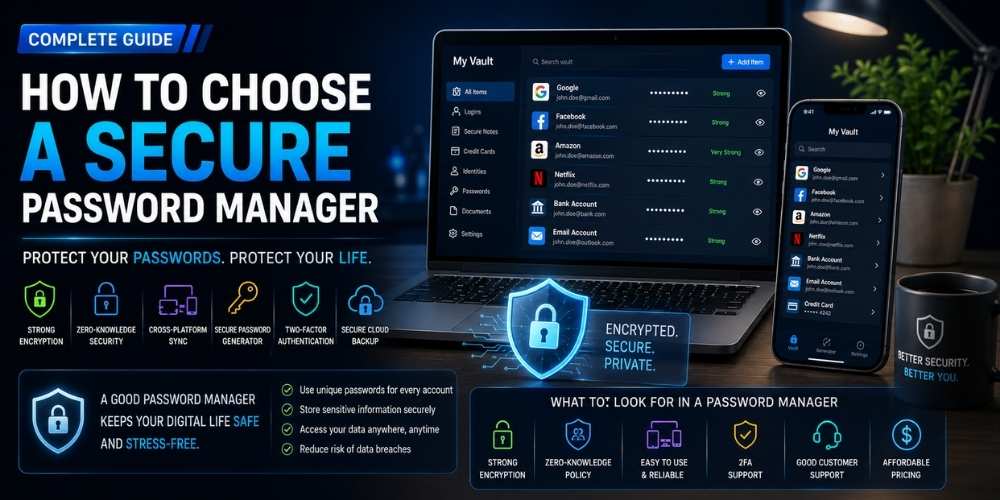
How to Choose a Secure Password Manager
Choose a secure password manager by comparing encryption, device support, recovery, passkeys, audits, sharing, and emergency access.
Key Takeaways
- Use unique passwords for every account.
- Protect the password manager with multi-factor authentication.
- Review recovery and emergency access options.
- Choose reliable support across all your devices.
Why a Password Manager Matters
Unique passwords reduce the damage caused by data breaches.
A manager makes strong credentials practical across many accounts.
Encryption and Security Design
Look for strong end-to-end encryption and a design that limits provider access to stored secrets.
Independent security audits and transparent documentation improve confidence.
Recovery and Emergency Access
Recovery options should balance convenience with protection against account takeover.
Emergency access can help trusted family members or colleagues when planned carefully.
Device and Browser Support
The manager should work reliably across your computers, phones, tablets, and browsers.
Import, export, autofill, and offline access can strongly affect daily usability.
Passkeys and Two-Factor Authentication
Modern managers increasingly support passkeys and one-time authentication codes.
Protect the manager itself with a strong master password and multi-factor authentication.
Personal, Family, and Business Features
Families may need secure sharing, while businesses need administration, logging, and access policies.
Choose the plan that fits collaboration needs without overcomplicating personal use.
Practical Buying Checklist
- Define the main problem you want to solve.
- Set a realistic budget including accessories and service costs.
- Compare independent tests instead of relying only on advertising.
- Check warranty, update policy, repair options, and return terms.
- Choose the product or workflow that is easiest to use consistently.
Frequently Asked Questions
Is it safe to store all passwords in one place?
A well-designed encrypted manager is generally safer than reusing passwords or storing them insecurely.
What happens if I forget the master password?
Recovery options vary. Review them before moving all credentials into the service.
Should I use browser-based password storage?
It may be convenient, but a dedicated manager can offer broader device support and stronger sharing or administrative features.
Make Smarter Technology Decisions
Explore more practical buying guides, reviews, security tips, and technology explainers from HoverProTech.
Browse Latest Guides
Ethan Walker is a technology writer at HoverProTech with a passion for smartphones, AI, laptops, software, and consumer electronics. He specializes in product reviews, buying guides, and technology news, helping readers stay informed with accurate, practical, and easy-to-understand content.