
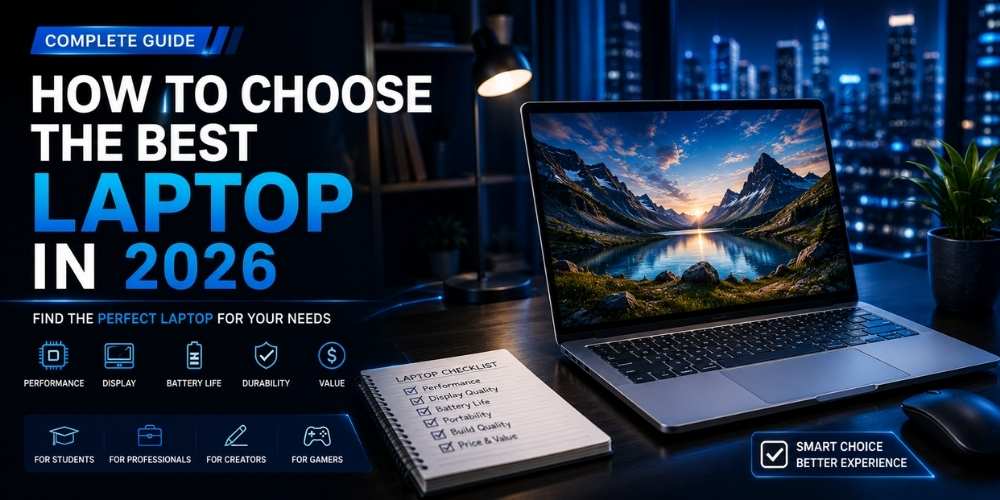
How to Choose the Best Laptop in 2026
A complete laptop buying guide for students, professionals, creators, and home users.
Key Takeaways
- Match the laptop to the heaviest real workload.
- Aim for enough memory and storage for several years.
- Do not overlook keyboard, display, webcam, and ports.
- Consider repairability and support before buying.
Define the Main Workload
Laptop shopping becomes easier when you identify the heaviest task the machine must handle.
Basic office work, browsing, and video calls require far less power than software development, 3D work, large spreadsheets, gaming, or video production.
Choose specifications for your real workload, then add a modest performance margin for future needs.
Processor and Graphics
Processor labels can be confusing, so focus on performance class, power efficiency, and independent testing.
Integrated graphics are suitable for most productivity tasks and light creative work. Dedicated graphics are more useful for gaming, 3D rendering, and accelerated creative applications.
A fast chip in a thin laptop may not sustain full performance if cooling is limited, so thermal design matters.
Memory and Storage
Memory affects multitasking. For modern everyday use, 16 GB is a comfortable target, while demanding creative or development work may benefit from more.
Solid-state storage is essential for responsive performance. Consider both capacity and upgradeability.
Soldered memory and storage can limit future upgrades, so check service documentation before buying.
Display Quality
Resolution, brightness, contrast, color accuracy, refresh rate, and aspect ratio all shape the experience.
A taller display can improve productivity by showing more vertical content. Creators should prioritize accurate color, while mobile workers should prioritize brightness and efficiency.
Touch support and high refresh rates are useful only when they match your workflow.
Battery Life and Portability
Manufacturer battery claims are not directly comparable because testing methods differ.
Look for realistic mixed-use tests and consider charger size, weight, and USB-C charging support.
A lighter laptop with excellent battery life may be more productive than a faster machine that rarely leaves a desk.
Keyboard, Trackpad, Webcam, and Audio
Input quality has a major effect on daily comfort. Key travel, layout, palm rejection, and trackpad accuracy deserve careful attention.
Remote workers should also evaluate webcam quality, microphone clarity, and speaker performance.
Small quality-of-life features often matter more than minor benchmark differences.
Ports, Wireless, and Support
Confirm that the laptop has the ports you need for monitors, storage, charging, and accessories.
Wireless performance depends on both hardware and antenna design.
Warranty quality, repair access, battery replacement, and driver support are important parts of total ownership cost.
Practical Buying Checklist
- Define the main problem you want to solve.
- Set a realistic budget including accessories and service costs.
- Compare independent tests instead of relying only on advertising.
- Check warranty, update policy, repair options, and return terms.
- Choose the product or workflow that is easiest to use consistently.
Frequently Asked Questions
Is 16 GB of memory enough in 2026?
For most productivity, study, and general home use, 16 GB is a comfortable baseline. Heavy creative, engineering, or virtual-machine workloads may need more.
Should I buy a thin laptop or a performance laptop?
Choose a thin laptop for portability and battery life. Choose a performance laptop when sustained power matters more than weight and noise.
How much storage should I get?
512 GB is a practical starting point for many users. Choose 1 TB or more for large media libraries, games, or professional project files.
Make Smarter Technology Decisions
Explore more practical buying guides, reviews, security tips, and technology explainers from HoverProTech.
Browse Latest Guides
Ethan Walker is a technology writer at HoverProTech with a passion for smartphones, AI, laptops, software, and consumer electronics. He specializes in product reviews, buying guides, and technology news, helping readers stay informed with accurate, practical, and easy-to-understand content.